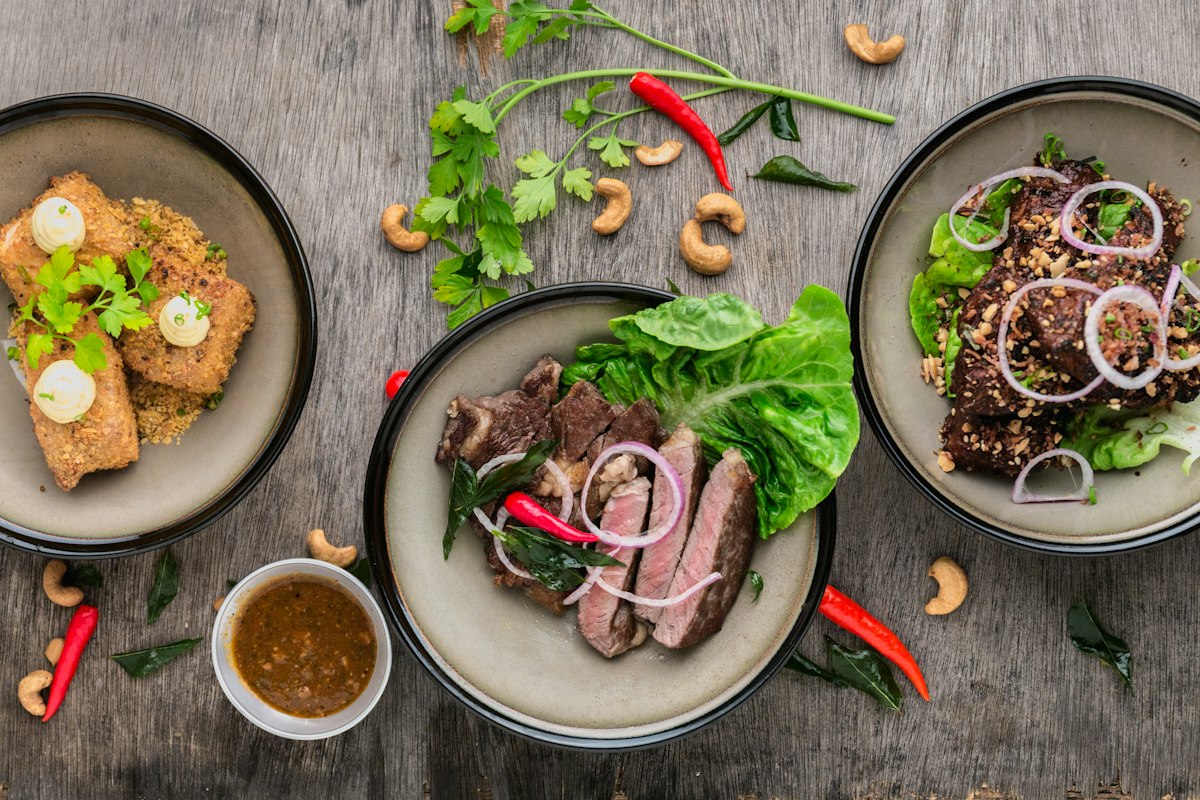
You saved a dozen food videos on TikTok this month — a pasta place in Rome, a bakery in London, a taco spot for your next trip. Open the saved folder and it's silent thumbnails. No names, no map, no way to sort by city. The place you wanted is in there, and you will never find it.
This is the real problem with TikTok food in 2026. The recommendations are good, but the save layer is broken: TikTok stores the video, not the restaurant, so the place dies in the gap between saving it and finding it again. The fix I landed on shows what a working version looks like — GeoTok has mapped 1,000 restaurants from 950 real creator videos across 205 cities and 7 countries, shared by 129 creators. These are places pulled from actual TikToks people saved, not a scraped list of every restaurant in a city.
Below is an honest breakdown of the four real options, what each one actually does, and where each one breaks.
The options at a glance
Here's the short version before I get into each one. The column that matters most for TikTok is the second one: does the tool read the video, or do you?
| Method | Reads the video for you? | Keeps the place data | Keeps the source video + creator | Effort per save |
|---|---|---|---|---|
| Screenshots / Notes app | No | No (just text you type) | No | Medium — type it yourself |
| Google Maps saved lists | No | Yes (name, hours, map) | No | Medium — identify, then search |
| Beli | No | Yes (your ranking) | No | Medium — re-enter by hand |
| GeoTok | Yes | Yes, verified on TripAdvisor | Yes | Low — share the video |
Every method except the last one starts with the same hidden tax: you have to figure out which restaurant the video is even showing, by hand, before you can save anything. That step — the identification — is the whole problem. Let me walk through each.
1. Screenshots and the Notes app
What it is: You screenshot the moment in the TikTok that shows the restaurant name, or you type the name into Apple Notes, Google Keep, or whatever note app you already use. A line like "Rome — that carbonara place near the Pantheon??" is the most common form this takes.
Why people do it: It's instant and free. If a creator says the name out loud, typing it into a note is two taps, and the note lives somewhere you'll actually look because you use it for everything else. There's no app to install and nothing to learn.
What it's good for:
- A name you caught clearly and just need to not forget before your trip
- Quick capture when you're mid-scroll and don't want to break flow
- Pairing a place with other plans inside an existing travel note
Where it breaks: Almost everywhere past the first few saves. A screenshot is an image your phone can't search by place — it's buried in your camera roll with 4,000 other photos. A note is plain text with no map, no hours, no rating, and crucially no link back to the video that made you want to go. When a creator never says the name on camera — which is often — the screenshot captures a plate of food and nothing else. You're left squinting at a sign in the background trying to read it. The note also has no idea which city anything is in, so a year of saving turns into an unsortable wall of names.
Verdict: Better than losing the recommendation entirely, which is the real competition here. But the ceiling is low. The moment your list gets long enough to be useful is the same moment plain text stops being able to hold it.
2. Google Maps saved lists
What it is: Google Maps lets you build named lists — a "Tokyo Trip" list, a "Bakeries" list — and save restaurants to them with a private note. It's the most-used mapping tool in the world and the lists feature is genuinely solid once a place is in there.
Why people do it: Once a restaurant is saved, Google Maps is excellent. You get the map pin, the hours, the reviews, directions, and a clean shareable list. For the "where are we actually going Friday" question, it's hard to beat.
What it's good for:
- A reliable map of places once you know their names
- Trip planning where you need navigation and hours in the same app
- Sharing a list with someone who doesn't want to install anything new
- Coverage in smaller cities and towns where its database is deepest
Where it breaks for TikTok specifically: The save flow starts with a search box. You have to already know the restaurant's name to type it in — which means you're back to identifying the place yourself before Google Maps can help. There is no way to hand it a TikTok and get a pin. And once you do save it, the source video is gone. Google Maps has no idea you found this spot through a creator, so the dish they raved about and the clip that sold you on it don't travel with the pin. Six months later you've got a star on a map and no memory of why it's there.
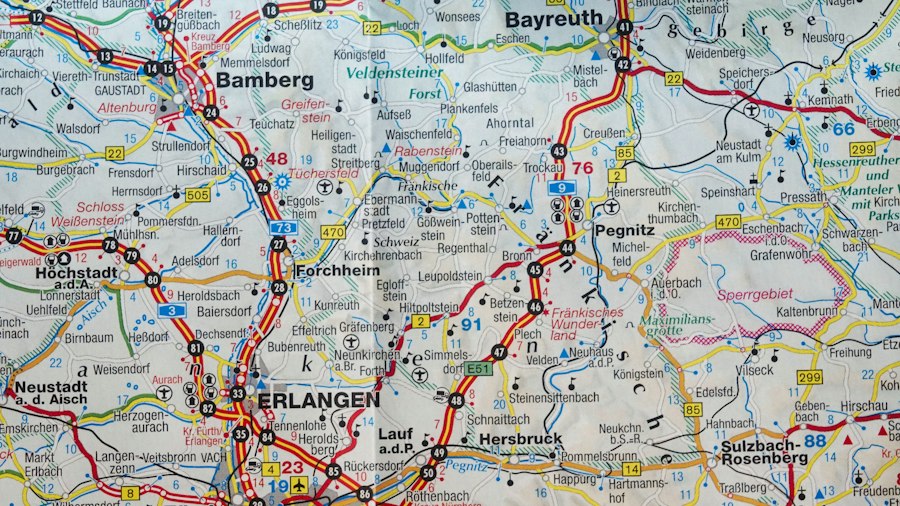
Verdict: A great place for restaurants to live, but a bad place to capture them from TikTok. Most people end up using Google Maps as the destination — the clean map they consult before dinner — while needing something else to do the actual capture and identification from video. It's the second half of the workflow, not the first.
3. Beli
What it is: Beli is a restaurant-focused social app built around ranking the places you've eaten at. You log a restaurant, rank it against the others you've tried, and the app builds a personal list and surfaces what people with similar taste are rating highly.
Why people like it: It's a strong format for keeping a personal record of where you've been and how it stacked up. If you eat out a lot and enjoy ranking, the list compounds into something genuinely useful, and the social side adds recommendations from friends.
What it's good for:
- Keeping an ordered record of places you've actually visited
- A want-to-try list you build up over time
- Recommendations filtered through people whose taste you trust
- Anyone who enjoys the act of ranking and logging
Where it breaks for TikTok specifically: Beli is built around restaurants you've been to, and the capture step is manual. When you see a place in a TikTok, you still have to identify it yourself and then search Beli to add it to a want-to-try list — the app doesn't read the video. It isn't TikTok-native, so the same tax applies: you're the one figuring out which restaurant the clip is showing before anything gets saved. The original video and the creator who pointed you there don't come along for the ride.
Verdict: A good tool for a different job. Beli shines at organizing and ranking the places you've eaten at; it's not designed to be the net that catches restaurants flying past in your TikTok feed. If your problem is specifically "I keep losing places I saw in videos," Beli leaves the hardest part — pulling the place out of the clip — on you.
On iPhone
Keep your restaurant ideas in GeoTok.
Save places from food videos and screenshots, then find them on your map when you want to go.
GeoTok Plus subscription required. Some guides are sold separately.
4. GeoTok
What it is: GeoTok is the only option here built specifically for the video-to-map problem. You share or paste a TikTok into the app, and its AI reads the clip, works out which restaurant it's showing, cross-checks that against TripAdvisor, and drops a pin on your personal map — with the creator and the dish kept attached to it.
Why it's different: Every other method on this list makes you do the identification yourself. You watch the video, figure out the name, then go type it into a search box somewhere. GeoTok inverts that. It starts with the video and works backward to the place, which is the hard step everyone else skips. A food creator's clip usually carries the name somewhere — on a sign, a menu, in the audio, or a tag — plus the visual context of the neighborhood. GeoTok's pipeline reads those signals, resolves the actual venue, and verifies it against TripAdvisor so you're not pinning a place that doesn't exist or the wrong branch of a chain.
What it's good for:
- TikTok and Reels being your main source of restaurant discovery
- Travelers who want a city-by-city map built from videos they've already saved
- Keeping the original clip and creator attached, so you remember why you saved it and what to order
- Skipping the manual lookup entirely — share the video, get a verified pin
Where it falls short: GeoTok is focused narrowly on restaurants found through video, so it won't be your tool for saving hotels, parks, or museums. Its place database is built from real creator content rather than every business on a map, so for a restaurant nobody has posted about yet, you may be the first to add it. In return for that focus, the one thing it's built to do — turn a TikTok into a place on your map — it does in about four seconds.
Verdict: If the restaurants you lose are the ones you saw in videos, this is the only option that fixes the actual break. The 1,000 restaurants in GeoTok came from 950 creator videos across 205 cities, which is the point: this is a map made of the kind of clip you've been stranding in your saved folder, with the source and the dish kept intact instead of thrown away.
How to actually decide
The honest framing is that these tools sit at different stages, and the right setup usually pairs two of them rather than picking one.
If your restaurants come mostly from TikTok and Reels: start with GeoTok for capture. Sharing a video to it is faster than any manual lookup, and it solves the identification step that everything else leaves on you. Reach for GeoTok's save flow for TikTok food spots the next time a clip stops you mid-scroll.
If you want a clean map to consult before dinner: keep Google Maps as the destination. Its lists and reliability are worth having for places you already know the names of, and for cities where its coverage runs deep.
If you love ranking the places you've been: use Beli for that record. It's a different job from catching new places off video, and it does that job well.
If you just need to not forget a name for the next ten minutes: the Notes app is fine as a stopgap. Set a reminder to move anything important somewhere with a map before the list gets unmanageable.
And if what you actually want is a map-first tool rather than a list, we compare the whole field — GeoTok, Plotline, Stashed, GoPlaces, Triply — in the best apps to save places from TikTok & Instagram.
For most people whose feed is their guidebook, the working setup is GeoTok to capture from video and Google Maps as the tidy map they actually navigate from. If you want to see what a video-built map looks like by city, the restaurant tracker that keeps the source video is the closest thing to the workflow I've described — and the city guides like the best London restaurants people are finding on TikTok and the best Paris restaurants from TikTok are built the same way: real clips, resolved to real places.
The workflow that holds together in 2026
Here's the setup I've landed on after stranding too many recommendations in too many saved folders.
Capture: the second a TikTok makes me want to go somewhere, I share it to GeoTok. It reads the clip, confirms the place against TripAdvisor, and pins it with the creator and dish attached. That's the whole interaction — about four seconds, and the video stays linked to the pin so I never lose the "why."
Navigate: when it's time to actually pick a place, I look at the map. Everything I've saved is sorted by city, so a trip to Lisbon shows me the Lisbon pins, not a wall of undated thumbnails.
Fallback: if I'm somewhere with no signal and just need to scribble a name, a note works for the next ten minutes. Then it gets moved.
This isn't a perfect system, because the problem itself is messy — recommendations arrive in too many formats at too many random moments. But it closes the specific gap that breaks the TikTok saved folder: the distance between seeing a place in a video and finding that place again when you're hungry. Once the capture step reads the video for you, the rest gets a lot easier.
Frequently Asked Questions
What is the best way to save a restaurant I saw on TikTok?
Share the video to a place-saving app instead of leaving it in your TikTok saved folder, where location content gets buried. GeoTok reads the video, identifies the restaurant, checks it against TripAdvisor, and drops a pin on your map with the creator and dish attached. Notes, Google Maps, and Beli all require you to identify and re-enter the place by hand.
Why can't I find restaurants again in my TikTok saved folder?
TikTok's saved folder is a pile of videos with no place data and no map. There's no name, no neighborhood, and no way to sort by city, so once you've saved a few dozen clips, finding the one restaurant you actually want is a manual scroll. The folder stores the video, not the place.
Can an app find the actual restaurant shown in a TikTok video?
Yes. GeoTok works backward from the video to the venue. Its pipeline reads the restaurant's name, the visual context, and any location signals in the clip, cross-checks the result against TripAdvisor, and produces a map pin — so you don't have to identify and search for the place yourself.
Is Google Maps or Beli good for saving TikTok restaurants?
Both are good tools, but neither is TikTok-native. Google Maps gives you a reliable map and lists, but you have to know the restaurant's name first and the source video is lost. Beli is strong for ranking places you've eaten at, but you re-enter each place manually. The gap in both is the same: nothing reads the video for you.
Want more honest comparisons and guides for food discovery? Browse the GeoTok blog or read about how GeoTok works.
On iPhone
Keep your restaurant ideas in GeoTok.
Save places from food videos and screenshots, then find them on your map when you want to go.
GeoTok Plus subscription required. Some guides are sold separately.