The Night I Stood in Lisbon and Couldn't Remember the Name
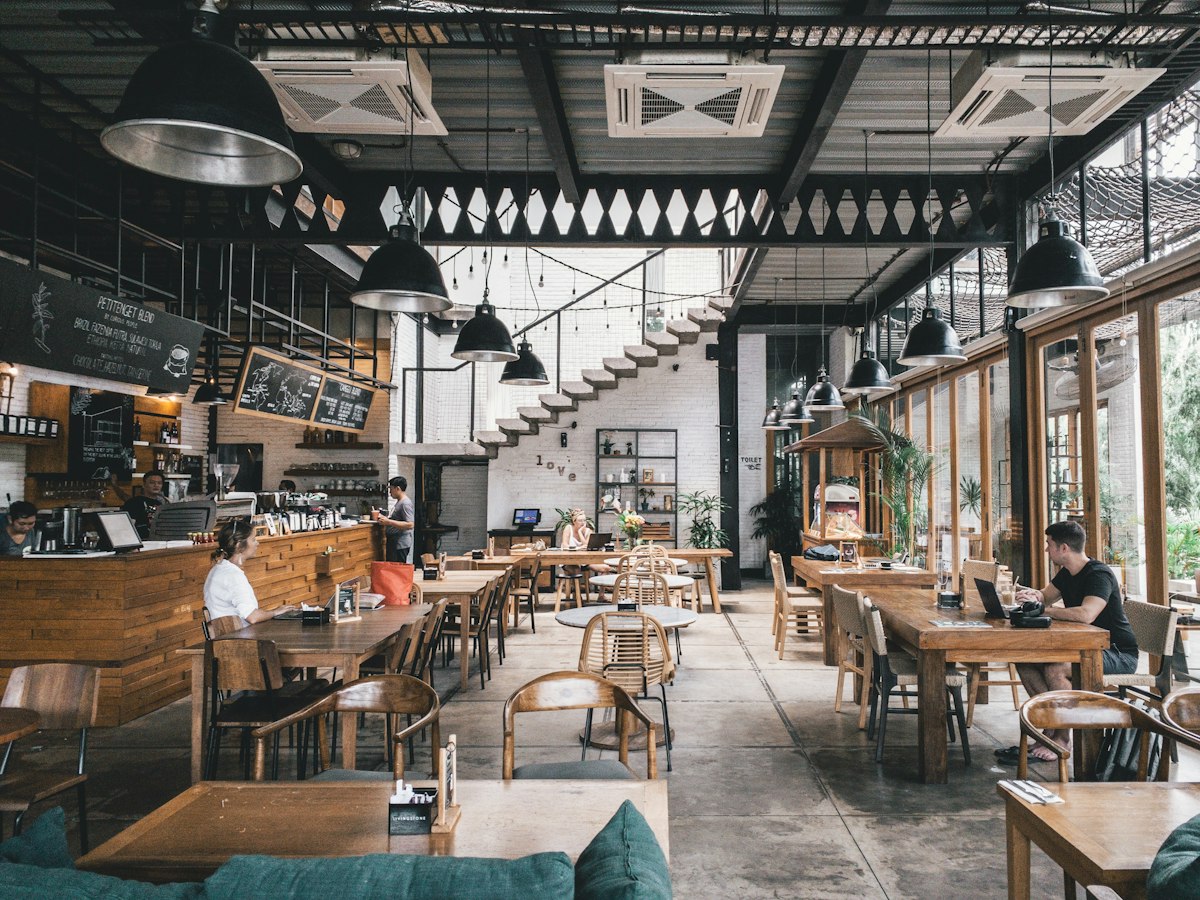
It was October. I'd flown into Lisbon for a long weekend, and somewhere on my phone — buried in six months of TikTok saves — was a video of a specific tascas-style restaurant near Mouraria. A woman had filmed herself squeezing through a narrow doorway, pointing at a counter of petiscos that looked like it hadn't changed since 1987. The lighting was amber. The tiles were hand-painted. Someone off-camera was laughing. I'd watched it four times.
I had no idea what the restaurant was called. I didn't know the street. I didn't even know whether the video had said Lisbon or Porto — I'd watched it at 1 a.m. in bed, saved it, and told myself I'd remember.
I spent an hour on the first evening of my trip scrolling backwards through 400+ saves, squinting at thumbnails, trying to find a frame I recognized. I didn't find it. I went to dinner somewhere fine and completely forgettable instead.
This is not an unusual story. Ask anyone who uses TikTok seriously for travel or food research and you'll hear the same version of it: the video was perfect, you saved it, you trusted the save to be enough, and then when the moment came to actually act on it, the save was useless.
The frustration is real and specific. It's not vague tech dissatisfaction — it's the particular sting of knowing that a great restaurant existed, that you found it, that you did everything right, and the system still failed you.
I've spent the last year figuring out exactly why this keeps happening and what a reliable fix looks like. This post is that answer.
Why Your Saves Don't Actually Work
Let's be honest about what TikTok's save feature is designed to do. It is designed to keep you on TikTok. It is not designed to help you retrieve a specific video six months later when you're standing on a cobblestone street in a city you've never walked before.
That distinction matters. A lot.
The bookmark problem: 400 videos, zero searchability
When you tap the bookmark icon on TikTok, the video goes into a flat list. The list is sorted by when you saved things — newest first. There is no way to search your own saves by keyword. There is no way to filter them by city, country, or cuisine type. There is no way to tag them, annotate them, or group them beyond manually creating a "Collection," which most people do approximately never because it requires deliberate friction in the middle of a scroll session.
According to TikTok's own bookmarks documentation, Collections are the only organizational layer available. In practice, I've talked to dozens of people who use TikTok heavily for food discovery, and maybe two of them consistently maintain organized Collections. The rest have one giant pile.
A giant pile is a write-only archive. You can deposit things into it. You cannot realistically retrieve specific things from it six months later when context is gone.
The deleted-video problem
TikTok videos get deleted constantly. Creators delete content, accounts get removed, and the platform's moderation runs at scale. When a video you saved gets deleted, your bookmark becomes a dead link. You'll see a tombstone icon where the thumbnail used to be — no title, no creator, no location, no way to identify what the video was or where the place was.
I went through my saves once, genuinely auditing them, and I found 31 deleted videos. Thirty-one. Some of them I recognized the tombstone shape and knew roughly what they'd been. Most I had no recollection of at all. They were just gone, and with them went any information about what I'd been excited about.
This is not a bug that TikTok will fix. Video deletion is a feature from the platform's perspective. Creators own their content. When they remove it, the data goes with it.
The memory problem
Even when the video is still there, the context you had when you saved it may have completely evaporated. You saved a bowl of something that looked extraordinary — but was that in Osaka or Tokyo? You saved a bakery with a line out the door — but which city were you researching that week? You saved a taco stand — but you were drunk and now you can't tell if it was in Mexico City or Guadalajara.
Location context is almost never explicit in a TikTok save. The video might have a caption. The creator might have tagged a location. But you, at save-time, are not encoding any of that information in a place the future-you can easily access. You're trusting your future self to re-derive the context from a thumbnail. Future-you will not be able to do this.
The platform-switching problem
Most people who travel seriously don't only use TikTok. They use Instagram Reels, YouTube Shorts, Reddit, Google Maps reviews, and half a dozen other sources. Each of those has its own save system. Each of those save systems is a separate silo. When you're planning a trip, you're trying to mentally reconcile four or five different lists that have no relationship to each other and no shared language for location.
This is not a TikTok problem. It's a problem with content-first platforms that were not built around the concept of a place as a durable, addressable object.
The Specific Ways People Try to Fix This (And Where Each One Breaks)
I've watched people attempt a lot of workarounds. They're all understandable. They all fail in consistent, predictable ways.
The screenshot-to-camera-roll approach. You screenshot the video while watching it. Now you have an image in your photos. Photos has no location metadata associated with the place in the image — it has the GPS coordinates of where you were when you took the screenshot, which is your couch. You cannot search your camera roll for "izakaya tokyo." In six months you have 3,000 photos and no way to find the one you want.
The notes-app approach. You open Notes, type "great ramen place - search later," and paste a link or jot a name. This is marginally better because text is searchable. But most people don't do this consistently — it requires context switching out of TikTok, which the app is specifically designed to prevent. And even when you do it, the note is free-form, which means the retrieval depends entirely on how well you described it at save-time and whether your future self uses the same words.
The Google Maps "Want to Go" list. You drop a pin on Google Maps after watching the video. This is actually pretty good — it associates the restaurant with a real location that you can see on a map. The failure mode is that you have to independently find the restaurant on Google Maps, which requires knowing the name or approximate location well enough to search for it. If you don't have the name, you can't make the pin. And if you're watching a video at 11 p.m. and don't know which city it's in, you're stuck before you start.
The TikTok Collection approach. You manually create a Collection called "Lisbon Food" and add videos to it. This works if you do it consistently from day one and never have a save that you're not sure how to categorize. In practice, people do it for about two weeks, end up with one well-organized collection and forty more videos dumped in the default save pile, and the system collapses.
Sharing to yourself via DM. Some people share videos to their own DM inbox with a text message describing the place. This is genuinely creative and actually surfaces the text when you search your DMs. The problem is that it's deeply annoying to do, the DM search is not designed for this use case, and you end up with a mix of actual messages and food rec self-notes that makes the DM inbox unusable for both purposes.
None of these workarounds are stupid. They're all attempts to impose structure on a platform that doesn't provide it. The reason they fail is that they all require you to do work at save-time that the platform doesn't support, and humans are bad at consistently doing extra work mid-scroll.
Why Location Is the Missing Piece
Here's what I've concluded after a year of thinking about this: the core problem is not saving. You're already saving. The core problem is that you're saving content — a video — rather than saving a place.
A video is a transient object. It can be deleted. It has no stable location metadata. It exists on a platform you don't control. Saving a video is saving a pointer to content that may not exist when you need it.
A place is a durable object. It has an address. It has coordinates. It exists in the physical world whether or not any particular video about it is still online. Saving a place is saving a reference to something that will be there when your flight lands.
The habit shift that actually solves this problem is: instead of saving the video, save the place the video is about.
This sounds obvious when I say it that way, but it requires a different tool. TikTok saves videos. You need something that watches a video and extracts the place.
Building the "Save-to-Map" Reflex
The reflex I've built over the past eight months looks like this: the moment I see a food video that genuinely interests me — not just a nice-looking dish, but a place I'd actually go out of my way to visit — I share it to GeoTok before I finish watching.
I don't wait until the end of the video. I don't wait until I'm planning a specific trip. I share it the moment I know I want to remember the place. That's the trigger: not "save this for later" but "this place is real and I want it on my map right now."
GeoTok does something specific that none of the workarounds I described can do: it watches the video content and extracts the place. It identifies what restaurant is being shown, where it is, and adds it to a map I own, independent of whether the TikTok video still exists. I can see all my saved places on a single map, browse them by city, and pull up the list for a specific destination when I'm there.
When I was in Lisbon, I didn't have GeoTok yet. When I went to Tokyo three months later, I did. I'd been building my Tokyo map for six weeks before the trip — sharing every food video that caught my eye, watching the pins accumulate. By the time I landed at Narita I had 40-odd places mapped across the city, organized by neighborhood, and every single one of them was a real restaurant I'd genuinely wanted to visit after seeing it on video.
I found every place I was looking for. Including one that the original TikTok video had since been deleted — the place still existed, the pin was still on my map, and I could still navigate to it.
On iPhone
Keep your restaurant ideas in GeoTok.
Save places from food videos and screenshots, then find them on your map when you want to go.
GeoTok Plus subscription required. Some guides are sold separately.
The Exact Habit: What to Do the Moment You See a Food Video Worth Keeping
I want to be specific here because the difference between a habit that sticks and one that doesn't often comes down to the exact physical sequence of actions. Vague intentions — "I'll save it better from now on" — don't hold. Precise muscle memory does.
Step one: Notice the trigger. The trigger is not a good-looking dish. It's a specific place you'd walk to. The question I ask myself now is: "If I were in this city tomorrow, would I put this restaurant on my itinerary?" If the answer is yes, I act immediately. If it's a maybe, I still act immediately — maybe-saves are how you build optionality.
Step two: Tap the share button before the video ends. Don't wait until you've watched the whole video. Don't scroll past it and come back. The share action happens now, while you're still watching. This is important because the scrolling algorithm is very good at making "I'll come back to that" feel true in the moment and false thirty seconds later.
Step three: Share to GeoTok. From TikTok's share sheet, select GeoTok. The app receives the URL, processes the video, and adds the place to your map. This takes me about four seconds. By the time I've shared it I can keep scrolling with no friction.
Step four: Don't open GeoTok to check. The check is unnecessary and it breaks the scroll flow, which makes you less likely to do it next time. Trust the process. The pin is there. You'll see it when you open your map later.
Step five: Review your map before a trip, not during. One of the biggest improvements in how I travel now is that I do my "what do I want to eat" thinking before I arrive, not on-the-ground when I'm hungry and tired. I open my GeoTok map for a destination, look at what I've saved over the past months, and build a loose mental shortlist. Then when I'm actually there, the thinking is already done — I just look at the map and navigate.
That's the complete loop. Notice, share immediately, trust the system, review pre-trip.
The Compounding Effect of a Consistent Archive
One thing I didn't anticipate when I started doing this: the archive gets more valuable the longer you maintain it.
In the first week, you have ten pins. That's interesting but not especially useful. After a month, you might have sixty or eighty pins across a dozen cities. At that point, something changes. You're making plans to visit a city — let's say you get an unexpected conference invite to Amsterdam — and you open your GeoTok map and you already have fifteen restaurants saved there. Not because you planned to go to Amsterdam, but because you watched a lot of Dutch food content over the past year and saved things as you went.
That's the compounding effect. Every video you save now is a deposit into a global food knowledge base that belongs to you, is organized by geography, and is waiting for you to need it.
Compare that to the TikTok save pile, where six months of saves is an archaeological site — technically the information is in there, but extracting any specific piece of it requires a dig.
The other compounding benefit is that your taste is encoded in the archive. My map is a record of what I found worth saving, not what an algorithm decided to show me on a given day. When I look at my pins for a city I'm visiting, I'm looking at a curated list assembled by a version of me who was paying attention, not a list assembled by a recommendation engine optimizing for time-in-app.
What Makes a Good Food Video Worth Saving (And What Doesn't)
Since we're building a save habit, it's worth being explicit about what deserves a pin and what's watch-and-move-on content.
Worth saving: a specific restaurant you can identify, in a real city, that you'd actually visit. The more specific the better. "Noodle shop on a back street in Kyoto's Nishiki Market area" is worth saving. "Here's a vague montage of beautiful food from an unspecified trip to Japan" is not.
Worth saving: a place with some kind of real-world signal — a line, a regular crowd, a phone reservation system, a Michelin mention, a decades-old history. These signals are evidence the place is operational and worth finding.
Not worth saving: food styled for a shoot in someone's apartment. Not worth saving: a restaurant that was explicitly described as closed. Not worth saving: a video where the only thing interesting is the dish, not the place — you can't eat the video, and if you don't know where the dish is from, pinning it does nothing.
The filter I use is: "Can I navigate to this place?" If yes, save it. If no, it's watch-and-forget content.
The Platform Problem Isn't Going Away
I want to be clear about something: this is not a post about TikTok being bad. TikTok is exceptionally good at what it does, which is surface content that people find engaging. It is bad at something it was never trying to be good at, which is functioning as a personal travel research database.
That gap isn't unique to TikTok. Video discovery trends data consistently shows short video is now the primary way people first encounter restaurants, especially outside their home cities. But every platform where this discovery happens — TikTok, Reels, YouTube Shorts — was built around content engagement, not place research. The save features are all afterthoughts. They're good enough to prevent you from leaving the platform and going somewhere else. They're not good enough to actually support the use case that millions of people are trying to use them for.
The fix has to live outside the platform. It has to be a tool that sits alongside TikTok and does the location extraction work that TikTok's own save system never will, because doing it well would require TikTok to treat restaurants as first-class objects and share that data with external apps. That is not in TikTok's interest.
The Long Game: Building a Map That Travels With You
I've been using this system for about eight months now, and the most tangible change is not any single trip — it's the relationship I have with food discovery generally.
I used to treat food content as entertainment. I'd watch, enjoy the visual, maybe save it halfheartedly, and move on. Now I treat it as research. When a video genuinely catches my attention, I'm not just watching a good-looking plate — I'm potentially looking at a dinner I'll have in two years when I finally make it to that city. That reframe changes how attentive I am, and it changes how valuable the archive becomes over time.
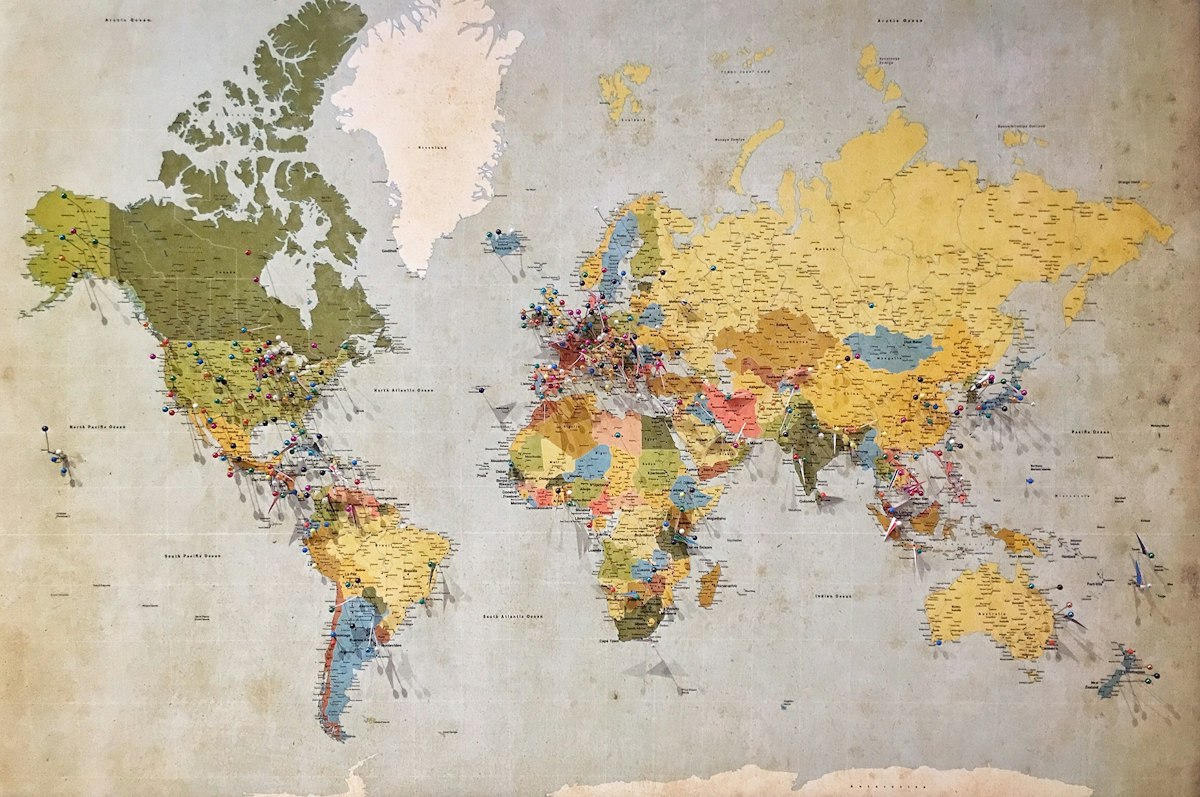
There are now cities on my GeoTok map that I haven't visited yet and have no immediate plan to visit. There are restaurants pinned in Seoul, in Sao Paulo, in Istanbul. Every few weeks I add one or two more. When I eventually get to any of those cities, I won't be starting from scratch with a Google search. I'll be starting from a list I've been building since before I knew I was going.
That's the real payoff of changing the habit. Not the tactical benefit of finding that one restaurant I almost lost in Lisbon — though that matters — but the structural benefit of never starting a trip with a blank map again.
A Note on the One That Got Away
I did eventually find that restaurant in Mouraria. About two months after the Lisbon trip, the same creator posted a follow-up video that I recognized immediately from the same amber lighting and the same tiles. This time I was ready. I shared it to GeoTok before the video finished. The pin landed exactly where it should.
The restaurant is called Tasca do Chico. It is in Lisbon. It has a fado night on Wednesdays and a reservation list that books up weeks in advance. I'm going back in September.
I lost it once. I won't lose it again — and more importantly, I won't lose the next one either, because the habit is in place now and the muscle memory is automatic.
That's what this is actually about. Not technology for its own sake. Not a new app to add friction to your day. Just a reflex — share it the moment you see it — that makes the difference between a place you'll actually eat at and a place you'll spend an hour looking for while you're already hungry.
More from GeoTok
If you found this useful, the GeoTok blog covers the practical side of using short-form video as a real research tool for food and travel — not algorithm hacks, not listicles of trending restaurants, but the systems that actually make discovery into something reliable.
You can also read about how GeoTok works and why we built it for exactly the use case described in this post.